
Top 7 AI Image-to-Video Tools You Must Try in 2026
A practical shortlist of image-to-video generators—what each is best for, what to watch out for, and how to pick fast.
Image‑to‑video has finally crossed the “useful, repeatable, and shareable” threshold. The big shift in 2026 isn’t just prettier frames—it’s control: more consistent characters, more reliable motion intent, and better reference workflows.
One reason this category is exploding: short‑form video now accounts for 57.6% of time spent in social media apps, so creators want fast, loop‑ready clips rather than long, cinematic edits. (DataReportal: Digital 2026 Deep‑Dive)
Below are the 7 image‑to‑video tools worth trying in 2026, ranked for practical outcomes. We put Animate Photo AI in the top 3 because it’s purpose‑built for turning a still photo into stable, controllable motion—without needing a film‑production workflow.
Ranking criteria (quick and honest): identity/temporal consistency, controls (camera/motion/reference), iteration speed, and commercial readiness.
The shortlist (at a glance)
| Rank | Tool | Best for | Why it made the list |
|---|---|---|---|
| 1 | Runway | Cinematic shots + higher consistency | Strong model iteration and creative controls. |
| 2 | Animate Photo AI | Photo animation that stays “human” | Control‑first workflow for portraits and subtle motion. |
| 3 | Luma Dream Machine | Fast iteration + strong motion | Great for exploring variations quickly. |
| 4 | Kling AI | Reference‑driven styles | Multi‑image reference workflows push controllability forward. |
| 5 | Adobe Firefly (Generate Video) | Brand‑safe creative pipelines | Built for creator + commercial workflows. |
| 6 | Google Gemini (photo‑to‑video) | Fast, mainstream convenience | Useful if you already live in Google’s ecosystem. |
| 7 | Pika | Playful effects + creative remixing | Great for social‑native motion experiments. |
1) Runway — best for cinematic image‑to‑video
If you want “film language” (camera movement, composition, dramatic motion), Runway is usually the first place to try.
- Strengths: cinematic feel, strong creative tooling, fast iteration loops
- Watch‑outs: cinematic motion can exaggerate artifacts if your input photo is low‑quality
Start here when your goal is storytelling shots rather than a subtle “living photo.”
Source: Runway Gen‑4 announcement and coverage. (Runway · The Verge)
2) Animate Photo AI — best for stable, controllable photo animation (top 3)
If your starting point is a real photo (portrait, family photo, product shot) and you want motion that stays believable, this is the workflow we recommend.
Why it’s ranked top‑3:
- It’s optimized for photo‑to‑video outcomes (portraits, product shots, subtle motion).
- It fits a simple loop: upload → pick motion intent → generate → refine → export.
Best use cases:
- Old photos: blink + gentle smile (micro‑expression control)
- Product shots: light drift + small camera move
- Avatars: stable face motion without heavy “style breaking”
Try it: Animate Photo AI
3) Luma Dream Machine — best for fast iteration
Luma’s Dream Machine is a strong choice when you want to explore multiple takes quickly: change the motion, tweak the vibe, keep what works.
Source: Luma Dream Machine docs and product pages. (Luma Labs)
4) Kling AI — best for reference‑driven controllability
Kling is notable for pushing reference workflows forward (e.g., using multiple images to steer style and subject details).
- Strengths: reference‑driven control, useful for consistent style experiments
- Watch‑outs: availability and features can vary by region and rollout
Source: Kuaishou press releases on Kling AI. (Kuaishou)
5) Adobe Firefly (Generate Video) — best for brand‑safe creative workflows
If you care about commercial usage, Adobe’s direction is important: it’s designed to fit creator workflows and production pipelines.
- Strengths: creator‑friendly tooling and brand‑oriented workflows
- Watch‑outs: depending on what you need, it may feel less “wild” than purely experimental tools
Source: Adobe Firefly Video announcement and coverage. (Adobe · The Verge)
6) Google Gemini (photo‑to‑video) — best for mainstream convenience
Google’s photo‑to‑video experience matters because it brings this workflow to a massive audience. It’s useful when speed and convenience matter more than deep controls.
- Strengths: mainstream accessibility, quick drafts for social
- Watch‑outs: controls can be more constrained than pro‑focused tools
Source: coverage on Gemini’s photo‑to‑video capabilities. (The Verge)
7) Pika — best for playful social effects
Pika is a good pick when you’re exploring attention‑grabbing effects for social: quick motion riffs, stylized transforms, and remixable outputs.
- Strengths: social‑native creativity, fun motion ideas
- Watch‑outs: for “realistic, stable faces,” you’ll still want subtle settings and clean inputs
Source: Pika product site. (Pika)
What’s changing in 2026 (the trends that actually matter)
Trend 1: Consistency beats novelty
Models are getting better at keeping the same character and scene over time. That’s the difference between a one‑off clip and something you can use repeatedly. (See Runway Gen‑4 coverage above.)
Trend 2: Multi‑image reference workflows
Instead of hoping the model “gets it,” creators are steering output with multiple reference frames—an obvious path toward repeatable brand style. (See Kling AI multi‑image reference above.)
Trend 3: The “loop-ready” format wins
Creators are optimizing for short clips (5–8 seconds) that can loop cleanly, because that maps directly to how short‑form is consumed and shared. (DataReportal Digital 2026)
FAQ (fast answers)
Which tool should I use if I’m starting from a real portrait photo?
Use a photo‑focused workflow first (Animate Photo AI), keep motion subtle, and iterate with small changes.
Which tool is best for cinematic camera motion?
Runway is usually the fastest path to cinematic, film‑language motion.
Do I need long prompts?
Not usually. Clear intent + clean input image beats long prompts for image‑to‑video.
How do I avoid uncanny faces?
Restore the image first, keep motion strength low, and favor micro‑expressions over big movements.
Related resources
Author

More Posts

How to Make Your Ancestors Smile Using AI (Step-by-Step)
A practical guide to animate old photos into natural, shareable videos—without uncanny artifacts.
GPT Image 2.5 Flare vs Sunburst:同价不同职(2026)
GPT Image 2.5 的 Flare 与 Sunburst 官方 Token 单价相同。Flare 是更快的默认模型,Sunburst 用更长出图换编辑精度。这篇 2026 对比写清什么任务该用哪一个。
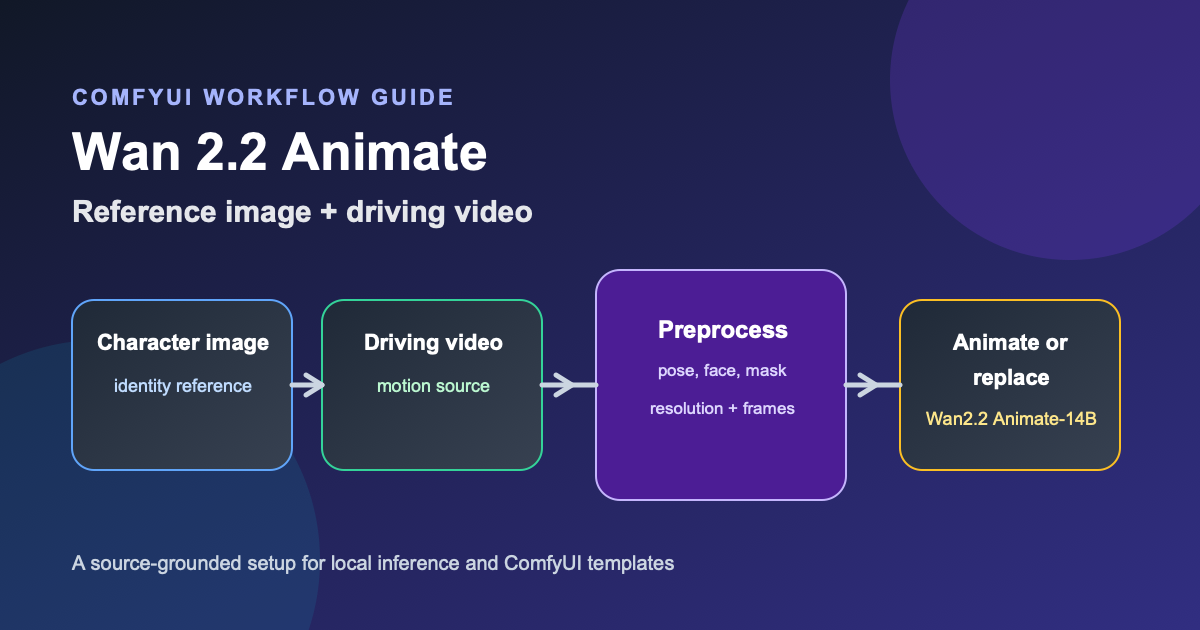
Wan 2.2 Animate Workflow: ComfyUI Guide (2026)
Build a Wan 2.2 Animate workflow in ComfyUI. Covers model files, preprocessing, animation vs replacement mode, VRAM planning, and troubleshooting.
Newsletter
Join the community
Subscribe to our newsletter for the latest news and updates