Animate Photo AI
首页历史记录
替换角色Wan 2.2 AnimateWan Replace Character让老照片动起来照片动画Talking Photo
升级解锁更快生成速度和更多积分

AI Logo Animation

登录

模型

LOGO IMAGE

PNG/JPG/WEBP up to 10MB, min 300px

Animation prompt (Optional)

270/2000

试试提示词模板

画面比例

时长

分辨率

所需积分

45 积分

演示视频

AI Logo Animation 演示视频

开始生成后,最新视频会显示在这里。

RELATED RESOURCES

Choose your next video workflow

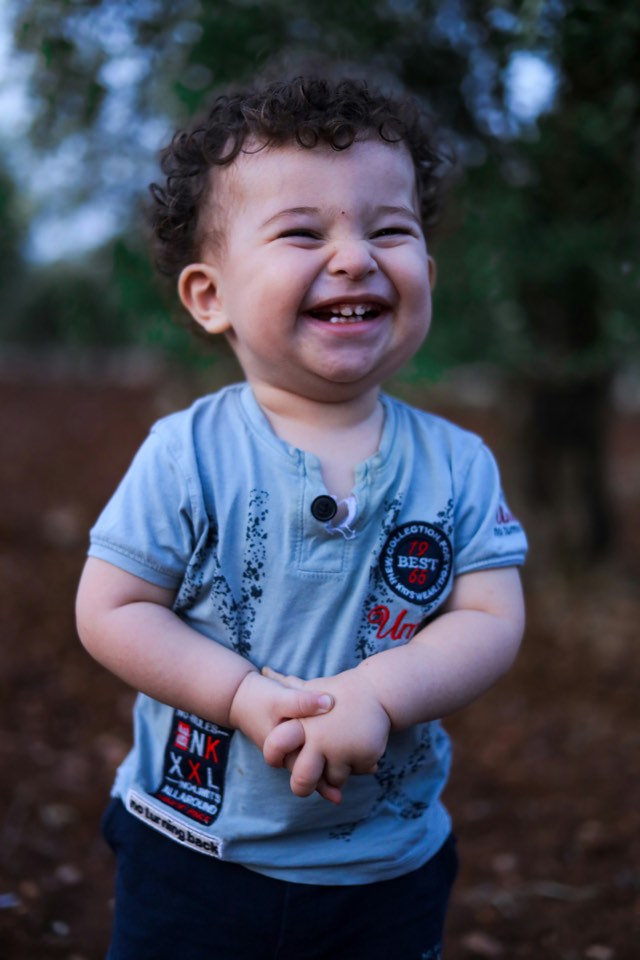
Image to video motion preview for a still image

BROAD INPUTS

Image to Video AI

Animate a product shot, illustration, or scene image when the source is not a finished logo.

Open image to video
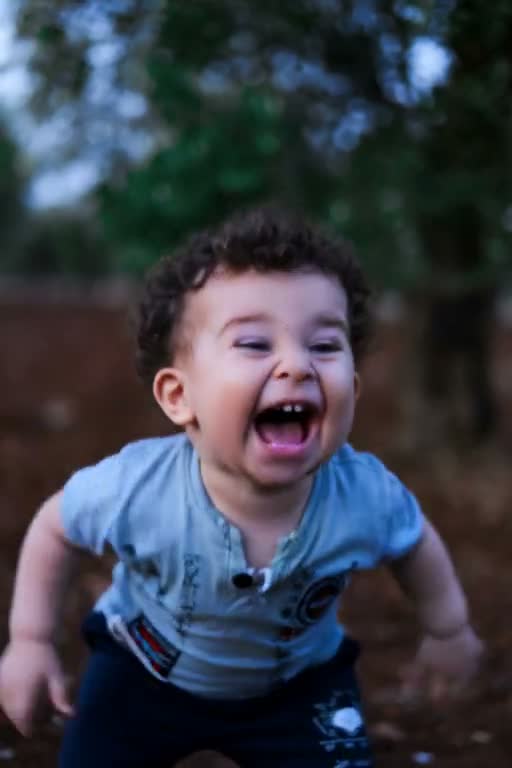
Photo to video portrait motion preview

REAL PHOTOS

Photo to Video AI

Use a photo-first workflow when the main priority is believable movement in a person, pet, or real-world image.

Open photo to video
Sketch to video workflow preview

DRAWINGS

Sketch to Video AI

Start from line art or concept work when preserving sketch structure matters more than logo geometry.

Open sketch to video
Video to video motion transformation preview

EXISTING CLIPS

Video to Video

Transform an existing motion clip when your branded idea already has a video reference.

Open video to video
  1. Home
  2. /
  3. AI Logo Animation Generator

AI LOGO ANIMATION

AI Logo Animation Generator

AI logo animation turns one logo image into a short brand video with a controlled reveal, light sweep, or camera move. Upload a clear PNG, JPG, or WebP, describe one motion goal, and inspect lettering and edges before publishing.

REAL WORKFLOW DEMO

See the shared image-to-video motion workflow

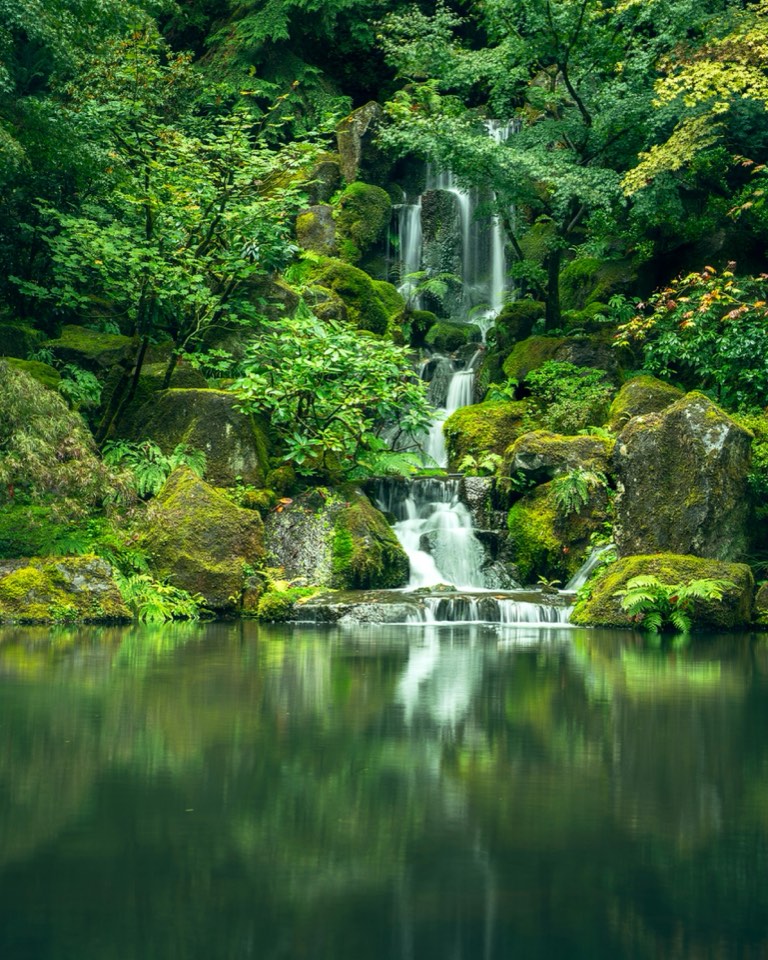
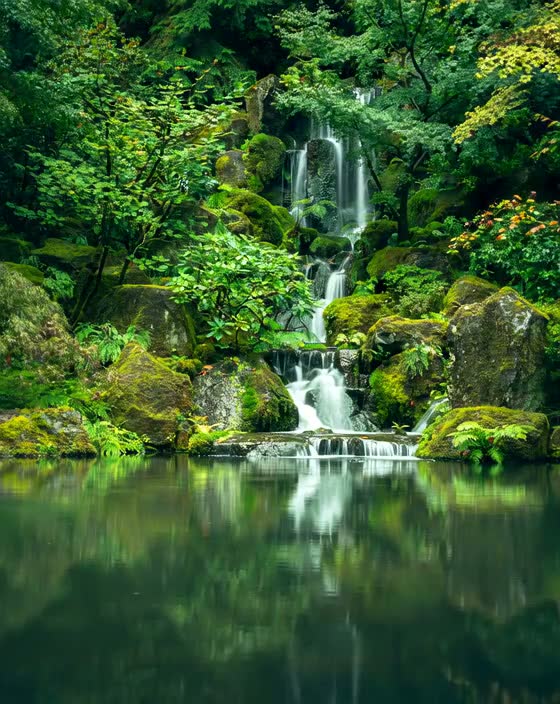
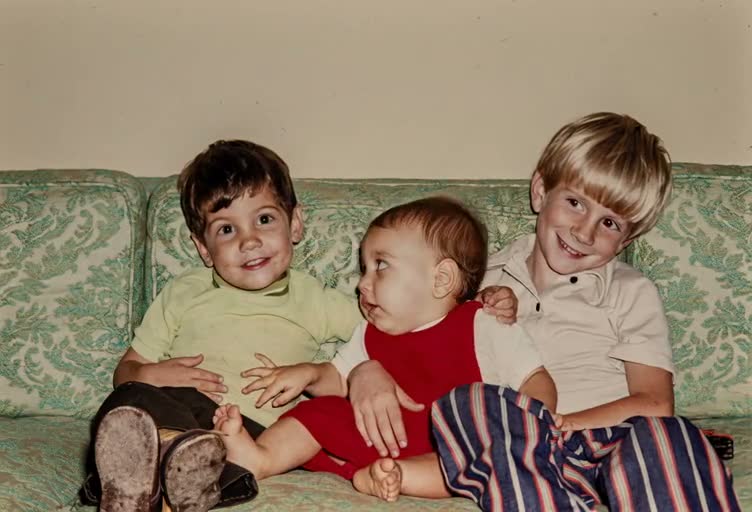
This real product demo shows the same image-to-video engine used by the AI logo animation workspace on a non-logo source image. It demonstrates the motion workflow and review surface, not a guaranteed logo-specific result.

Shared source image for the AI logo animation workflow demo
Shared AI logo animation workflow demo: the image-to-video engine turns a still image into a short motion clip for review.

Logo artwork, lettering, and edges still need manual inspection after each generation.

TL;DR

AI logo animation at a glance

The reliable path is a clean source, one restrained motion goal, and a frame-by-frame review of the final video.

Best source
Use a sharp, high-resolution logo with legible lettering, clean edges, and a simple background.
Safest motion
Start with a light sweep, gentle scale-in, or slow camera push before testing morphs or spins.
Output check
Review every visible letter, thin stroke, color boundary, and background edge before using the clip.
Current boundary
The workflow creates a video from an image. It does not promise transparent GIF, WebM, or vector-level logo fidelity.
Output controls
AI logo animation output controls are model-dependent. Connected models offer 4–15 second clips. Aspect ratios include 16:9 and 9:16, with 1:1, 4:3, 3:4, or 21:9 on selected models. Resolution ranges from 480p to 1080p where supported, native audio varies by model, and the workbench shows credits before generation.

CORE CAPABILITIES

What this AI logo animation workflow can do

Use the workspace for short, controlled motion passes when the logo image is already designed.

Protect the finished artwork

Keep the brand mark recognizable while adding motion.

The uploaded logo image stays the visual source while the AI logo animation workflow directs a small camera, scale, or lighting change.

Input: clear logo PNG, JPG, or WebP. Output: short video for review.

Choose one motion priority

Make the animation easier to read and easier to debug.

Prompt for one effect in the AI logo animation workflow, such as a left-to-right light sweep, a gentle scale-in, or a restrained camera push.

Input: one concise motion prompt. Output: a focused branded opener instead of a busy effect stack.

Match a short publishing format

Test a useful clip for social posts, presentations, and intros before a longer edit.

Set duration, aspect ratio, resolution, and sound options in the AI logo animation video workbench.

Input: output settings. Output: a short video draft sized for the destination.

Review before export

Catch changed letters, warped corners, and unstable backgrounds before the clip is public.

Compare the result with the original source and regenerate the AI logo animation with a simpler prompt when the artwork drifts.

Input: generated take plus original logo. Output: an approved draft or a focused revision.

GUIDE

How AI logo animation works

An AI logo animation starts with a finished still image. The model predicts short motion from that frame, so source quality and restrained direction matter more than a long list of effects.

A clean logo gives the image-to-video model fewer ambiguous edges to reinterpret. Transparent PNG files are useful as source artwork, but the generated result is still a video and may include a background that needs checking.

Treat each take as a motion draft. A light sweep, small scale-in, or slow camera move is easier to keep legible than a fast spin, liquid morph, or request to redraw the wordmark.

Use artwork you can publish

Upload logos you own or have permission to use. Review the final clip for brand accuracy, legibility, and unintended changes before distribution.
Good starting scenarios
  • •A brand designer can start an AI logo animation from a finished transparent PNG, request a gentle reveal, and create a short logo intro for a video end card.
  • •A social creator can start an AI logo animation from a JPG wordmark, choose a short vertical setup, ask for a light sweep, and review a readable opener for TikTok or Reels.
  • •A presentation producer can use AI logo animation on a solid-background logo, add a slow camera push, and test a branded title-screen clip before commissioning frame-accurate motion graphics.
Best practices for readable logo motion
Use a high-resolution source
Sharp lettering and generous padding give the model more stable edges to follow.
Name the logo constraints
Ask to preserve exact lettering, colors, proportions, spacing, and edge shape.
Keep one effect per take
A single light sweep or camera move makes it easier to identify what caused drift.
Keep the background simple
A stable background reduces shimmer around thin strokes and transparent-looking edges.
Review at final size
Check the clip where it will be published because small type can fail after social or presentation resizing.
Common logo animation problems
Letters change or become unreadable▾
Shorten the clip, remove morphing language, and request exact lettering preservation.
Corners and thin strokes wobble▾
Use a sharper source and a smaller camera or scale movement.
The background shimmers▾
Use a simpler background and tell the model to keep it stable while the logo moves.
The effect overwhelms the mark▾
Remove extra particles, spins, and transitions. A readable mark should remain the visual priority.
The result is not a clean transparent overlay▾
Treat the output as a video draft and inspect its background. Use a dedicated motion-graphics workflow when transparency or pixel-perfect edges are required.
Animate Photo AI中的相关工具

涵盖邻近的意图,学习替代工作流程,并通过关联的用例建立主题权威。

Pricing & credits
Review generation credits before iterating through several logo motion drafts.

HOW TO

How to make an AI logo animation

Use these four AI logo animation steps to move from a finished logo file to a reviewable branded video draft.

  1. 1
    Upload a clean logo image

    Start the AI logo animation workflow with a sharp PNG, JPG, or WebP up to 10MB with legible lettering, clean padding, and a simple background.

  2. 2
    Describe one motion goal

    Ask for a light sweep, gentle scale-in, or slow camera push and explicitly preserve lettering, colors, proportions, and edges.

  3. 3
    Choose a short output setup

    Set a short duration, aspect ratio, resolution, and sound option that match the intro, social post, or presentation where you will use the clip.

  4. 4
    Generate, inspect, and refine

    Compare the video with the source logo. If any letter, corner, color, or background drifts, simplify the prompt and generate a focused revision.

INPUT DECISIONS

Choose the right starting point for logo animation

Use this table to pick a safer AI logo animation direction based on the logo file you have and the result you need.

Logo input推荐效果建议设置注释
Transparent PNGGentle scale-in or light sweepShort duration, simple backgroundThe source may be transparent, but the video output still needs background and edge review.
JPG on a solid backgroundCamera push or highlight passKeep the background stableDo not ask the model to remove a complex background and animate the mark at the same time.
Detailed wordmarkMinimal camera or lighting motionLow deformation, short clipAvoid spins, morphs, and any prompt that asks the model to redraw text.
Icon-only markScale-in, parallax, or light sweepPreserve silhouette and colorThe absence of text gives more room for motion, but inspect the silhouette and corners.

PROMPTS

Logo animation prompt examples

Start with one focused AI logo animation direction, then adjust only one variable between takes.

Clean reveal

Create a short, polished logo reveal. Preserve the exact lettering, colors, proportions, spacing, and edges. Use a gentle scale-in on a stable background. Do not redraw or replace any visible text.

Light sweep

Animate this logo with one soft light sweep moving from left to right. Keep the mark centered, legible, and unchanged, with no added objects and a stable background.

Social opener

Turn this logo into a short social opener with a restrained camera push and minimal shimmer. Keep the final logo fully visible and readable. Preserve the original artwork and do not morph the lettering.

FAQ

Logo animation FAQ

Answers to common questions about animating a finished logo image with an AI video workflow.

What is an AI logo animation generator?▾
An AI logo animation generator is an image-to-video workflow that turns a still logo into a short motion clip. It uses the uploaded artwork and your prompt to guide camera movement, scale, or lighting, so the result should be reviewed for brand accuracy.
Can I animate a transparent PNG logo?▾
Yes, a transparent PNG can be used as the source image. The generated result is still a video, so do not assume that it is a transparent overlay or a clean WebM/GIF export without checking the background and edges.
How do I keep logo text readable?▾
Use a sharp source, short duration, one subtle motion goal, and explicit instructions to preserve exact lettering. Inspect every frame for changed characters, thin-stroke wobble, color shifts, and edge warping before publishing.
Is AI logo animation suitable for a pixel-perfect brand opener?▾
It is useful for fast concept drafts and restrained branded clips, but it is not a guarantee of frame-accurate vector fidelity. Choose a dedicated motion-graphics workflow when exact geometry, transparency, or deterministic timing is a hard requirement.

Ready to test your logo motion draft?

Test an AI logo animation draft by uploading your logo, choosing one restrained effect, and reviewing the video before you publish it.

Animate a logoView pricing

最后更新: 2026-09-03