LogoAnimate Photo AI

在线将照片变成视频,简单轻松

TwitterX (Twitter)YouTubeYouTubeEmail
产品展示
  • 特点
  • 定价
  • FAQ
工具
  • 图片转视频 AI
  • AI Logo Animation
  • 照片转视频 AI
  • Video frame extractor
  • 素描到视频 AI
公司简介
  • 关于
  • 联系方式
  • 候补名单
法律
  • Cookie 政策
  • 隐私政策
  • 服务条款

Earned Badges

All in AI ToolsDofollow.ToolsMossAI ToolsAIExtensionDeepLaunchShowMeBest AIZ-ImageAIBestTopStartupFastListed on Turbo0Twelve ToolsLovableAppFazierFeatured on Open-Launch600.toolsFeatured on toolfame.comNavFoldersNext LaunchFeatured on Findly.toolsBai.toolsToolsClaw
© 2026 Animate Photo AI All Rights Reserved.
Animate AIAnimate Photo
Talking Photo
图片转视频
文本转视频

Talking Photo

模型

PORTRAIT PHOTO

JPG/PNG/WEBP up to 5MB, min 300px

What should it say?

Welcome to our channel. Let us get started.

画面比例

9:1616:91:1

时长

5s8s12s

最近生成

Related workflows

Explore more photo and video tools

Continue to a broader photo animation workflow, an old-photo memory clip, or a prompt-based video when your input or goal changes.

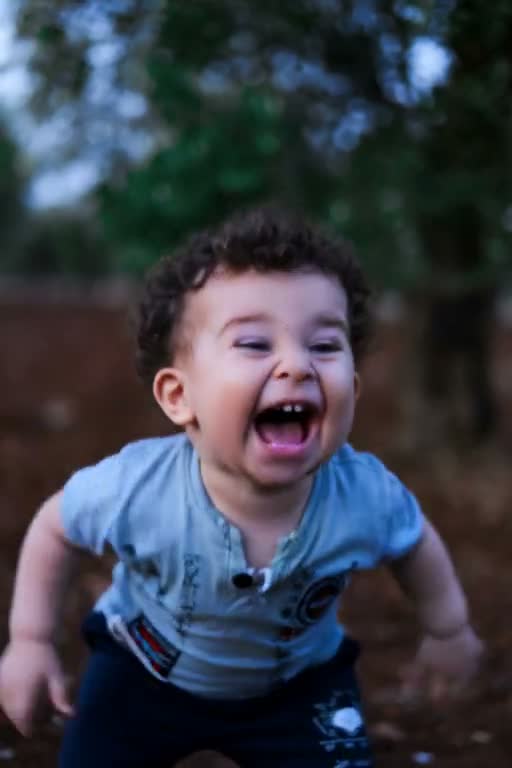
Portrait photo ready for a photo to video workflow

Photo to Video

Animate a real photo when broader motion matters more than speech.

Animated old photo example for a family memory clip

Animate Old Photos

Use restrained movement for scanned family and historical portraits.

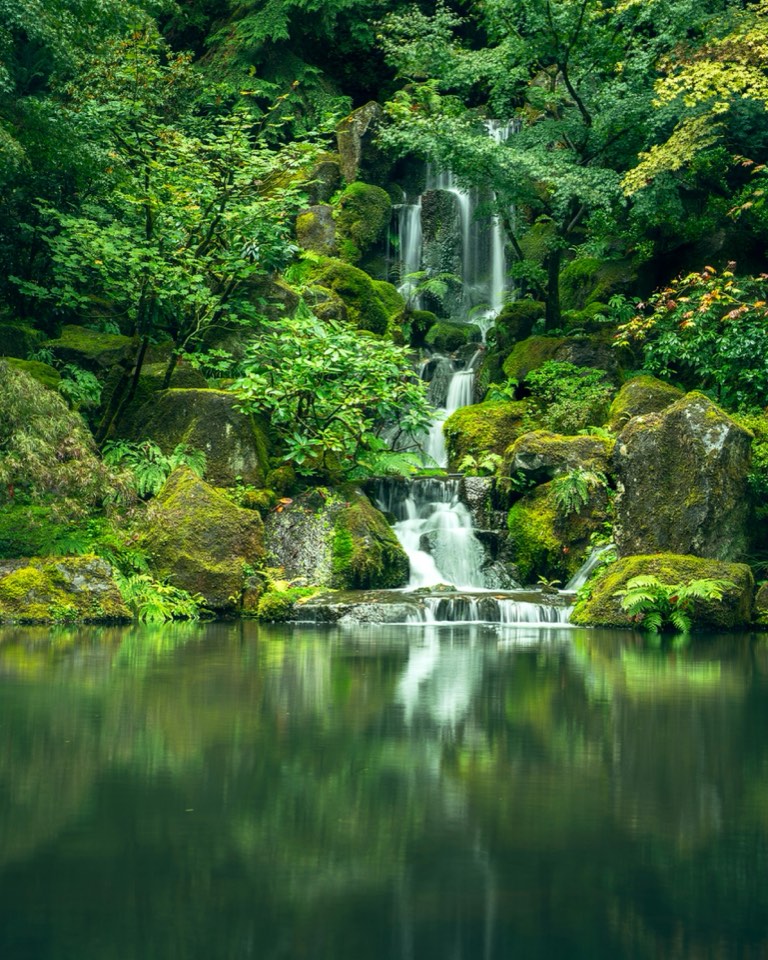
Still scene image ready for image to video animation

Image to Video

Add motion to artwork, products, and scene images.

Generated scene example from a text to video workflow

Text to Video

Start from a written scene when you do not have a source photo.

  1. Home
  2. /
  3. Talking Photo AI

Talking photo AI

AI Talking Photo with Script-Driven Lip Sync

Quick answer

Animate Photo AI's Talking Photo tool turns one clear portrait and a typed line into a short lip-synced video. Enter up to 200 characters, choose a compatible model with audio, and review the mouth, eyes, and identity before export. Audio-file upload and voice selection are not yet connected in this build.

Real product example

Talking photo portrait motion before and after

This four-second clip is the portrait-motion example currently published for this workflow. It demonstrates facial stability and subtle movement; it is not presented as evidence of generated speech. The workbench sends a typed line to a compatible audio-capable model for speech-style lip sync.

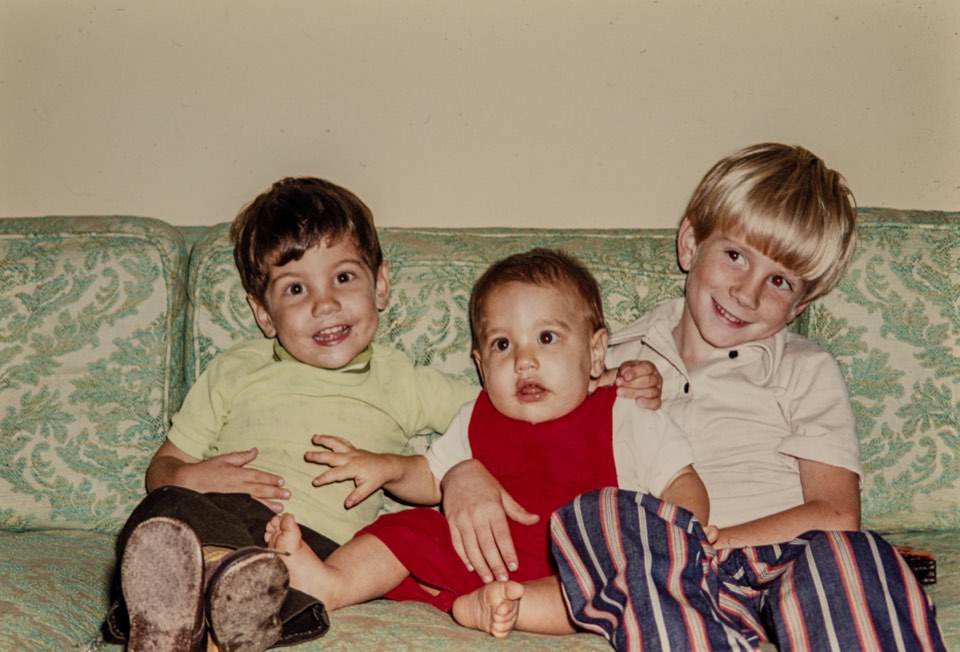
Original portrait before creating a talking photo
Input: one clear portrait with a readable face and mouth.

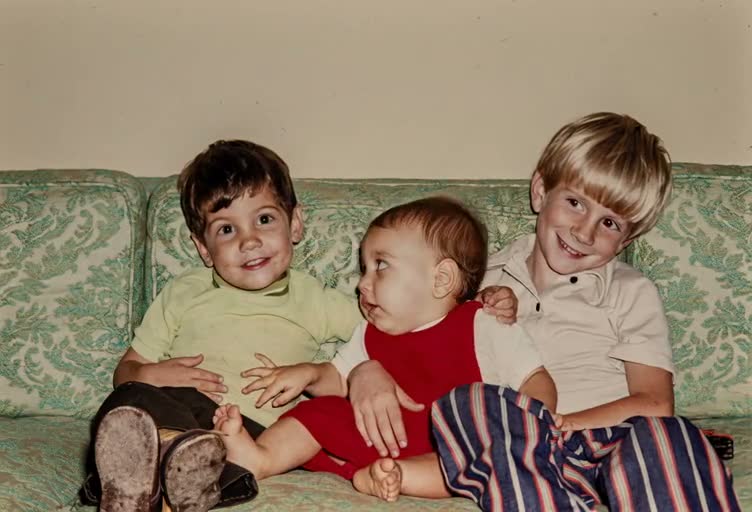
Talking Photo AI portrait motion demo

Output: a short talking-photo example with facial motion. The generation workflow separately uses the typed line and selected audio-capable model for speech.
Input
One clear portrait
Output
Short portrait-motion video
Duration
4 seconds in this demo
Speech
Typed script, up to 200 characters

Script guide

Write a better talking photo script

Enter the words the portrait should say, not camera directions. This workflow limits typed scripts to 200 characters. One short sentence is easier to time and review than several unrelated ideas in the same clip.

  1. 1

    Keep one speaker and one idea

    Use a greeting, announcement, or short message. Split longer narration into separate clips.

  2. 2

    Use punctuation for pauses

    Commas and full stops make the intended rhythm clearer. Review names and numbers before generation.

  3. 3

    Check cost before generating

    Credits vary with the selected model, duration, resolution, and audio setting. The workbench shows the estimate before submission.

Core capabilities

What the portrait motion tool controls

The page is designed for a controlled first draft from a still portrait. Each capability maps to a concrete input or review decision, so you can tell whether a weak result comes from the source photo, the requested motion, or the output settings.

Portrait-first facial motion

The talking photo workflow starts with a clear portrait and a restrained prompt for small mouth movement, blinking, or breathing. A close, front-facing input gives the model more stable facial detail than a distant group shot.

Visible generation controls

Choose a connected video model, aspect ratio, duration, resolution, and sound setting in the workbench. The credit estimate updates before generation so you can test a short draft before committing to a larger output.

Short video preview and download

The result appears in the preview panel with its status and download action. Compare the generated mouth, eyes, hairline, clothing, and background with the source image before you publish or share the clip.

Script-driven lip sync

Enter a short line and use a compatible audio-capable model to create speech-style mouth movement. Audio-file upload and independent voice selection are not yet connected in this build.

Four-step workflow

How to make a talking photo with AI

A reliable talking photo starts with a stable portrait, one motion goal, a short test, and a careful comparison. This order limits unnecessary identity changes before you spend more credits.

  1. 1

    Upload one readable portrait

    Use a JPG, PNG, or WebP image up to 5MB with at least 300 pixels. A front-facing face, visible mouth, even lighting, and an uncluttered background make the first draft easier to judge.

  2. 2

    Enter a short line

    Type up to 200 characters as the words the portrait should say. Keep one idea per clip so the lip sync and facial expression remain easy to review.

  3. 3

    Choose voice-capable quality

    Select a model with audio support, then confirm duration, resolution, sound, and the credit estimate before generating. The exact controls depend on the selected model.

  4. 4

    Review against the original

    Check the mouth shape, eyes, identity, hairline, hands, clothing, and background. Keep the source visible while reviewing so a convincing motion effect does not hide an unwanted change.

Input guide

Choose the right portrait for natural facial motion

Match the motion request to the information visible in the source. A talking photo AI workflow cannot reliably infer details hidden by blur, hair, hands, or a strong profile angle.

Source photoStart withAvoid firstReview
Clear front-facing headshotSmall mouth movement and one blinkLarge expression or head turnMouth, eyes, hairline
Avatar or illustrated faceLow-motion presenter testRedesigning the characterEye shape, silhouette, colors
Family or memory portraitRespectful facial motionClaiming spoken wordsIdentity, clothing, context
Side profile or covered mouthCrop or replace the sourceSpeech-like mouth motionMouth edges and drift

Published specifications

Talking photo input and output specs

Use these published limits to prepare the first talking photo draft. Model-specific duration, resolution, and credit values remain visible in the workbench before generation.

Accepted input
JPG, PNG, or WebP portrait images. One clear, front-facing face works best.
Upload limit
Up to 5MB and at least 300 pixels, as shown in the uploader.
Published demo
A short MP4 talking-photo video. The published demo is four seconds.
Audio status
Type up to 200 characters. Compatible models can generate speech-style lip sync; audio-file upload is not yet connected.

Use cases

When portrait-to-video motion helps

Use the page when the job starts with one portrait and a short line of dialogue. Choose another workflow for long narration, uploaded voice recordings, or full-scene animation.

Presenter or profile test

Start with a clean headshot and enter a concise welcome, lesson introduction, or product message. Review pronunciation, lip sync, and identity before using the result as a presenter clip.

Avatar concept

Upload a readable illustrated or generated face, add one character line, and keep the design unchanged. Check the eyes, mouth edges, colors, and silhouette before publishing.

Personal memory clip

Use a respectful family portrait with low motion for a private keepsake. Keep the original still available and avoid presenting generated movement as a recording of what the person actually said.

Boundaries and quality control

Know the limits before you make a photo talk

The current talking photo page is intentionally honest about what a single still image can support.

This workflow does not restore blur, rebuild missing facial detail, or colorize an old photo before animation.

Keep the typed line short and review lip sync frame by frame. Audio-file upload and independent voice selection are not yet connected.

Side profiles, covered mouths, tiny faces, and strong occlusion can cause mouth or identity drift.

Review every generated frame for changes to the face, hands, clothing, and background before publishing.

Only use photos and likenesses you have permission to process. Do not present generated motion as a real recording or statement.

FAQ

Portrait animation FAQ

How does an AI talking photo generator work?

Upload one portrait and enter a short line. A compatible audio-capable model turns the line into speech-style mouth movement while preserving the face, framing, and background.

Can AI make a photo talk with audio?

The current workflow uses a typed line and a compatible audio-capable video model for speech-style lip sync. Uploading your own audio recording is not yet connected in this build.

What photos work best for talking photo AI?

Use one sharp, clearly visible, mostly front-facing face with the mouth uncovered. Portraits, selfies, old photos, drawings, and pets can work; tiny faces and strong side profiles are less reliable.

How do I make a photo talk with AI?

Upload a clear portrait, type up to 200 characters, choose an audio-capable model, confirm the credit estimate, and generate. Review the mouth, eyes, identity, and background before exporting.

Is this the same as a talking avatar or lip-sync tool?

A talking avatar and talking photo both synchronize a face to speech. This page supports a typed script with a compatible audio-capable model; audio-file upload and independent voice selection are not yet connected.

Related next steps

Need broader motion? Continue with Photo to Video. Working with a scanned family portrait? Start with Animate Old Photos and clean the source first.

Review credits and pricing

Try a talking photo motion draft

Upload a clear portrait above, keep the first prompt small, and compare the result with the original before you decide whether the visual motion is ready to use.

Make a talking photo

Last updated: September 1, 2026