
Gempix2

Log in

Model

Motion-ready starting point

Pick a direction. You can edit the prompt next.

Reference images

0/15

Aspect ratio

Resolution

0 credits available

Edited result

Upload a source and describe one clear change.

Your edited image will appear here after generation.

Upload a source and describe one clear change.

Still prep for photo animation

Gempix2: Nano Banana 2 stills for photo animation

Gempix2 on Animate Photo AI is a Nano Banana 2 still editor. Upload a JPG, PNG, or WebP up to 12 MB, describe one restrained change, then send the still to photo to video or talking photo. Gempix2 does not generate from text only, and it is not the Gemini app.

What output should you check before animating?

The gempix2 workbench is Animate Photo AI’s still editor with Nano Banana 2 selected by default. The first output is a cleaned frame rather than a new character. Check identity, crop, and background stability before you spend video credits.

Open the still workspace
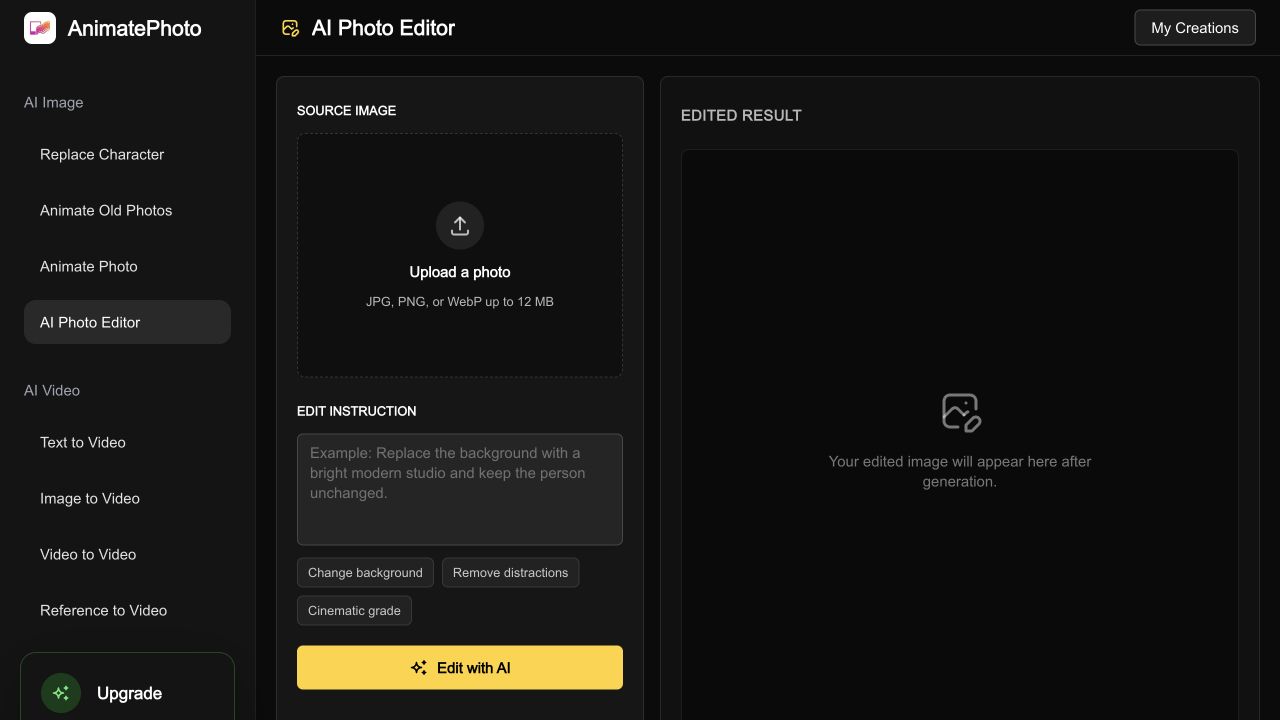
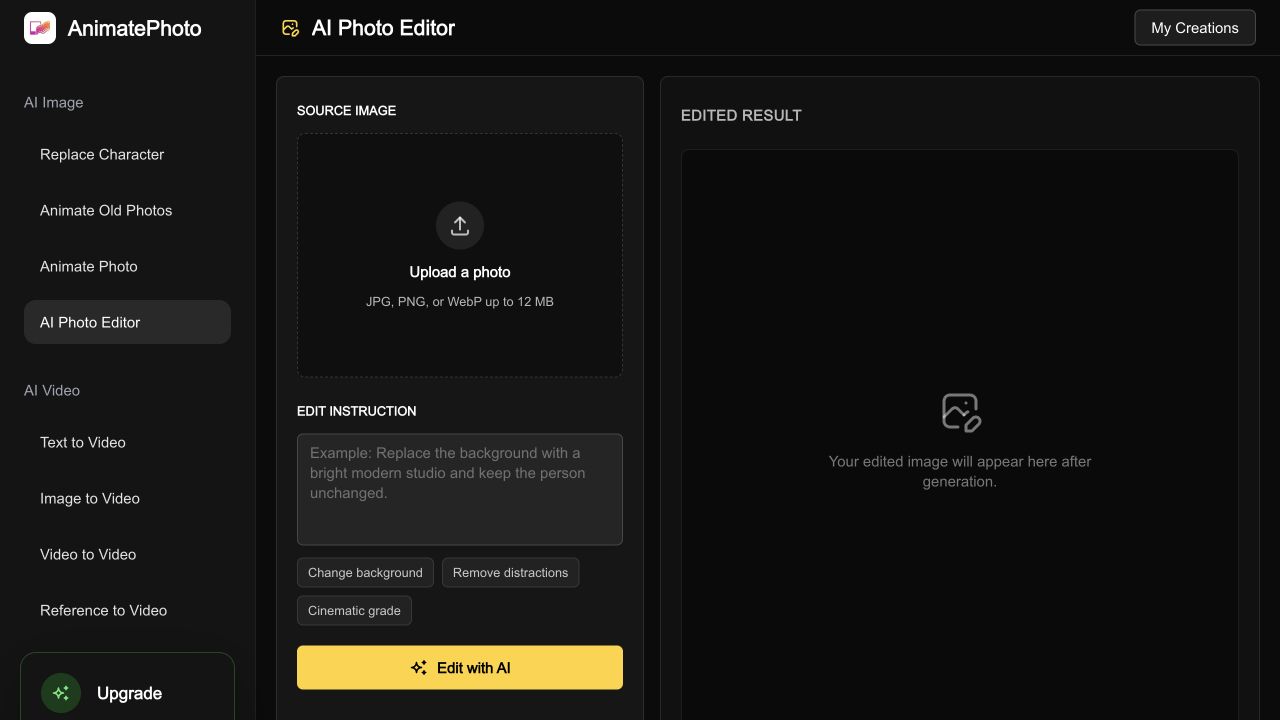
Gempix2 still editor workspace with Nano Banana 2 selected for a motion-ready frame
Gempix2 workbench screenshot: source still, Nano Banana 2 controls, and a result ready to animate.

What this still station actually does

Core capabilities for a motion-ready frame

Animate Photo AI’s gempix2 workflow edits one uploaded still, then hands it to photo-to-video. The job is identity-safe still prep, not a blank-canvas image playground.

1

Still-first Nano Banana 2 edits

Gempix2 starts from a real photo, not a blank prompt box. Upload a JPG, PNG, or WebP, then ask Nano Banana 2 to clean light, crop, background clutter, or short on-image text while the subject stays recognizable for later motion.

2

Identity lock before the clip moves

Animation exaggerates small face changes. A gempix2 prompt should keep pose, age, clothing, and camera angle so the later photo-to-video or talking-photo pass has a stable person to follow.

3

Aspect ratios that match the next clip

Choose 1:1, 9:16, 16:9, 4:3, or 3:4 before you generate. A 9:16 still is usually the better handoff for Reels and Stories; 16:9 is the better handoff for a landscape product loop.

4

Reference images when one photo is not enough

Gempix2 accepts up to 14 reference images with Nano Banana 2. Use them for a second angle, a product pack shot, or a clothing detail the model should keep while it rebuilds the scene.

5

Direct handoff into Animate Photo AI motion tools

After you accept a still, send it to photo-to-video, image-to-video, or talking photo without exporting to another site. The still stays in the same credit account as the clip.

Four steps

How to run gempix2 before you animate

Treat the gempix2 still as production input, not as finished artwork. The later clip will copy identity errors you accept in the still.

  1. 1

    Upload the still you actually want to move

    Drop one source photo up to 12 MB. Gempix2 is an image-to-image station, so a text-only request will not run. Use a sharp face or product as the source if the next step is animation.

  2. 2

    Keep Nano Banana 2 selected unless the job is harder

    Gempix2 defaults to Nano Banana 2 at 30 credits for 1K, 50 for 2K, and 70 for 4K. Switch to Nano Banana Pro only when the still needs dense on-image text or a more complex layout.

  3. 3

    Write a motion-aware instruction

    Say what should change and what must stay. A useful gempix2 prompt names the crop, lighting, and clutter to remove, then repeats that faces, logos, and camera angle stay put.

  4. 4

    Compare, iterate, then animate

    Review the source against the result. If the identity holds, download the PNG or continue into photo-to-video. If the face drifted, tighten the prompt instead of sending a weak still into motion.

Inputs and costs

File, credit, and output rules

These limits match the live gempix2 still editor on Animate Photo AI, including file type, credits, and output format.

RequirementBehavior
Source filesJPG, PNG, or WebP, one main still, 12 MB maximum
Default modelNano Banana 2 (Gemini 3.1 Flash Image) via gempix2
Credits30 at 1K, 50 at 2K, 70 at 4K per still
Aspect ratios1:1, 2:3, 3:2, 4:3, 3:4, 16:9, 9:16
Reference imagesUp to 14 extra images when the model needs more context
Prompt lengthUp to 800 characters; one job per instruction works best
OutputPNG still you can download or send to a motion tool
Next stepPhoto to video, image to video, or talking photo

Model choice

When to stay on gempix2 versus another image model

Keep Nano Banana 2 for the first animation-ready pass. Move to another model only when the still needs a different strength.

ModelBest for1K creditsNote
Gempix2 / Nano Banana 2Fast identity-safe still prep30Default in gempix2. Best first pass before animation.
Nano Banana ProHarder text and busy layouts45Use when posters, labels, or infographics need extra reasoning.
Grok ImagineCheap draft stills20Useful for a rough look, less ideal as a final talking-photo source.
GPT Image 2Many reference images25Choose this when you need more than 14 references on a general edit.

Typical jobs

Use cases for stills that will move

Each scenario starts with a real photo, a still edit, and a motion tool that already exists on Animate Photo AI.

A family portrait headed to talking photo

A relative brings a phone portrait that is too dark and slightly cropped. Run gempix2 with the talking-portrait preset, keep every face, even the light, then open talking photo with a short line of speech. The search intent here is a talking photo from a real family still, not a generated character.

A product pack shot headed to a 16:9 loop

A shop owner has a cluttered tabletop JPEG. Ask gempix2 to keep the label readable, clean the surface, and hold 16:9. Then send the result to photo-to-video for a short commercial pan. This covers product animation from a real pack shot.

A vertical still headed to Reels

A creator has a landscape selfie that will be posted as 9:16. Use the 9:16 motion-still preset in gempix2, keep headroom, then continue in image-to-video. The job is a vertical motion clip from an existing photo, not a new AI influencer generator.

Quality control

Limits before you trust the still

Gempix2 will not replace a desktop retoucher, and it should not invent people. If the scan is damaged, start with old photo restoration instead of forcing a motion prompt onto scratches.

It is not a layer-based editor

There are no Photoshop-style masks, adjustment stacks, or live filter layers. Each gempix2 run returns a new still. If you need non-destructive layers, finish those steps in a desktop editor first.

Aggressive prompts break identity

Requests like “make them 20 years younger” or “change the whole room” often fail the later animation pass. Keep the person, then change lighting or clutter.

Damaged archives need restoration first

Scratches, tears, and heavy fade belong on old photo restoration. Use gempix2 after the scan is already readable.

Motion is a second credit spend

The still job and the video job are billed separately. Check the face in the still before you spend clip credits.

Likeness and publishing rights stay with you

Gempix2 does not grant extra likeness or commercial rights. Review faces, logos, and brand marks before you publish the still or the later clip.

Direct answers

Questions about this still workflow

These answers describe the live Animate Photo AI workbench, not a third-party image studio with the same search name.

What is gempix2 on Animate Photo AI?

Gempix2 on Animate Photo AI is a Nano Banana 2 still-prep workflow. You upload a photo, describe a restrained edit, and keep a motion-ready frame for photo-to-video or talking photo. It is not Google’s Gemini app and it is not a text-only image generator.

Is gempix2 the same as Nano Banana 2?

Gempix2 on Animate Photo AI is the product name for a Nano Banana 2 (Gemini 3.1 Flash Image) still-edit workflow. Nano Banana 2 is Google’s model name. Gempix2 is not Google’s Gemini app.

Can I create an image from text only?

No. Gempix2 requires a JPG, PNG, or WebP source still because Animate Photo AI’s next step is animation. If you only have a written idea, generate or shoot a photo first, then bring that file into gempix2.

How many credits does one still cost?

Gempix2 with Nano Banana 2 costs 30 credits at 1K, 50 at 2K, and 70 at 4K. Other models in the selector have their own prices. Photo-to-video and talking photo charge additional credits after the still is ready.

When should I use the AI photo editor instead?

Use the AI photo editor when you want Grok, GPT Image 2, or FLUX as the first choice. Stay on gempix2 when the job is a Nano Banana 2 still that you plan to animate on Animate Photo AI.

Related next steps on this site

If the still from gempix2 is already clean, skip extra image models and go straight to motion. If you need a different editor mix, open the AI photo editor. Credit packs and plan limits live on pricing.

Open gempix2 and start with a still

Upload the photo you want to move, keep Nano Banana 2 selected, and only animate after the face or product still looks stable.

Edit a still now

Last updated September 18, 2026